UPDATE: 22 October 2026
A lot has moved since the original post below. Against a fixed set of the top 100 PICO-8 carts:
| Measure | Result |
|---|---|
| Translate to C | 100/100 |
| Build native Raspberry Pi Pico firmware (RP2040) | 77/100 |
| Build native firmware for the Pico 2 W (RP2350) | 90/100 |
| Games on the Pocket Arcade shelf | 83 |
Native builds climbed from 2 to 10, 22, 27, 65 and now 77 on the RP2040, with 90 on the Pico 2 W. The Pico 2 W is now a supported target, and the flasher picks the right image from the board ID. Celeste has been verified on real hardware.
Most of the remaining failures are memory limits rather than missing language features: table entry pools, upper memory at 0x8000 and above, coroutines and call depth. Audio, cstore/saves and #include are still missing.
The next step is golden-frame comparison tests against PICO-8 itself, an idea suggested on Reddit, so fidelity can be measured instead of eyeballed.
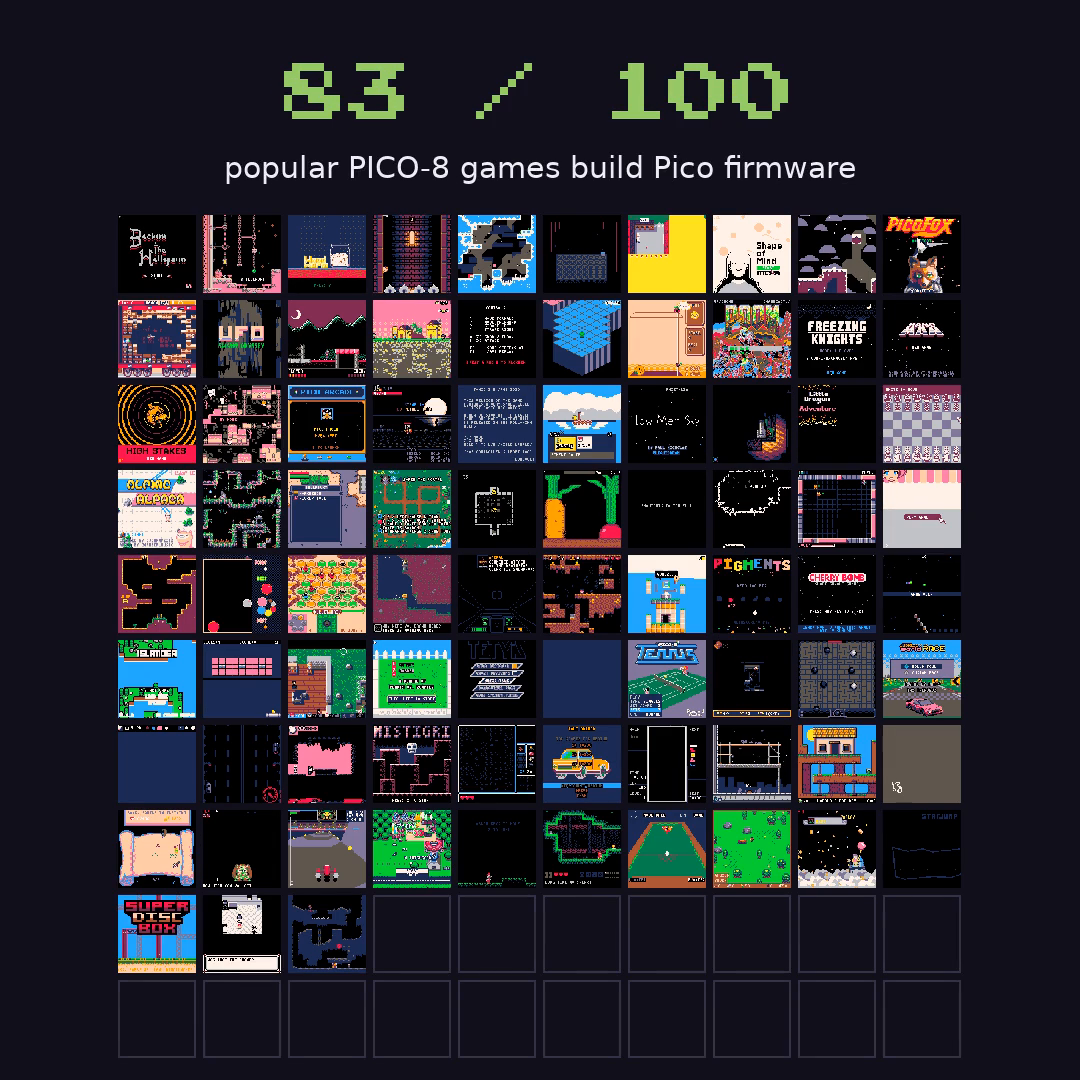
Here are a few of the converted carts. Each one builds native Raspberry Pi Pico firmware for both the RP2040 and the Pico 2 W. A successful build is not verified gameplay, and of these only Celeste has been checked on the device so far. Each links to the game's original page.
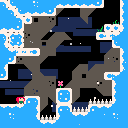 Celeste ClassicMaddy Thorson & Noel Berry
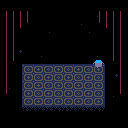 Just One Bossbridgs
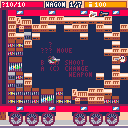 Birds With GunsYolwoocle
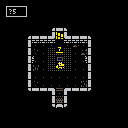 PorklikeKrystman
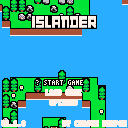 IslanderCarsonK
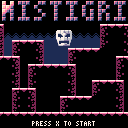 Mistigribenjamin_soule
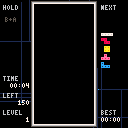 Pico TetrisVanessa
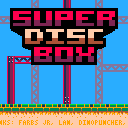 Super Disc BoxFarbs
The sections below describe the 16 October snapshot and are kept as written.
I started with a Raspberry Pi Pico W, a small Waveshare screen, and a question about whether all its buttons worked. That turned into a spaceship cockpit, a colorful aquarium, a handheld Celeste port, and eventually a more interesting question: could I compile a PICO-8 cartridge into something this microcontroller could run on its own?
The result is Pocket AOT, an experimental ahead-of-time compiler and compatibility runtime, and Pocket Arcade, the desktop GUI for importing, converting and flashing cartridges. I built and iterated on them with Codex, checking the display and controls on the actual board as we went.
Here is one of the results: Dusk Child, running on the Pico after conversion from its original cartridge source.
The code, build instructions and detailed status are public: Pocket AOT on GitHub. The recordings on this page are short, muted excerpts from my hardware tests.
The little stack of hardware
The names are conveniently similar, but PICO-8 and a Raspberry Pi Pico are different things. PICO-8 is Lexaloffle’s fantasy console and programming environment. The Pico is a microcontroller board. It does not run the desktop PICO-8 application.
My board is an RP2040 Pico W, with 264 KB of SRAM and 2 MB of flash. The display module is a Waveshare Pico-LCD-1.3: a 240 × 240 ST7789 color LCD, four face buttons, and a five-way stick. The stick also clicks, so there are nine switches to read. The wireless hardware is not used by this project.
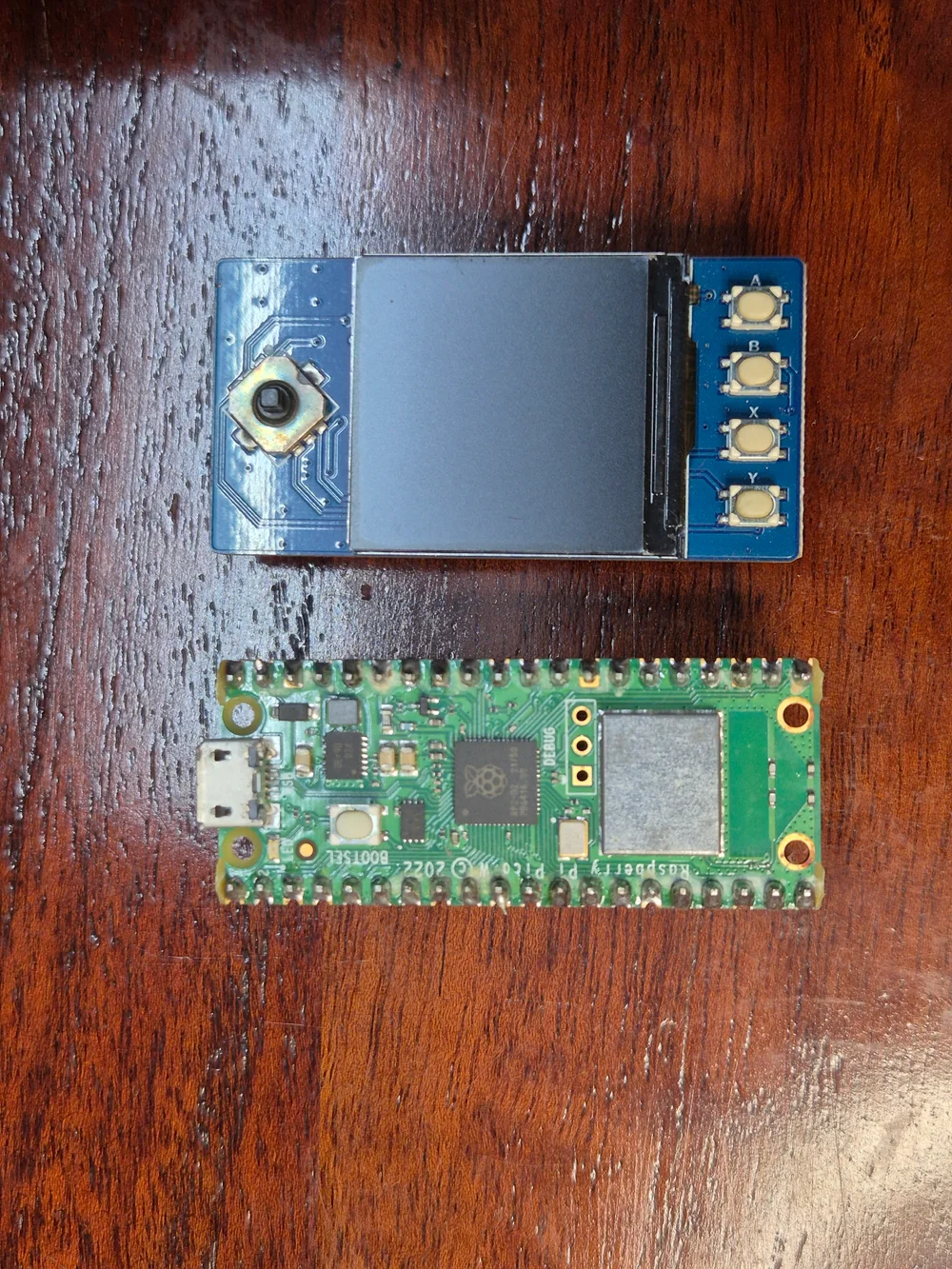
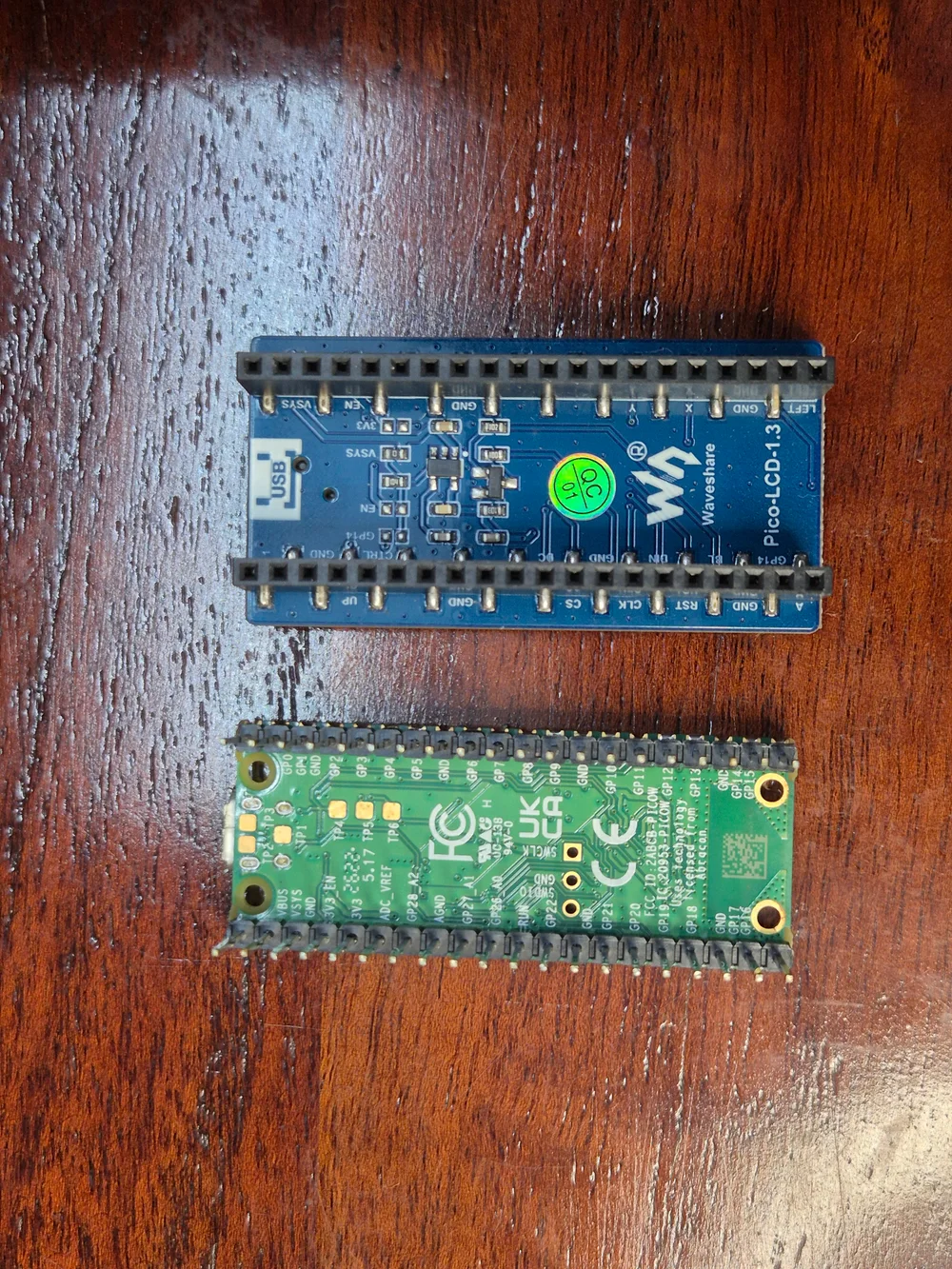
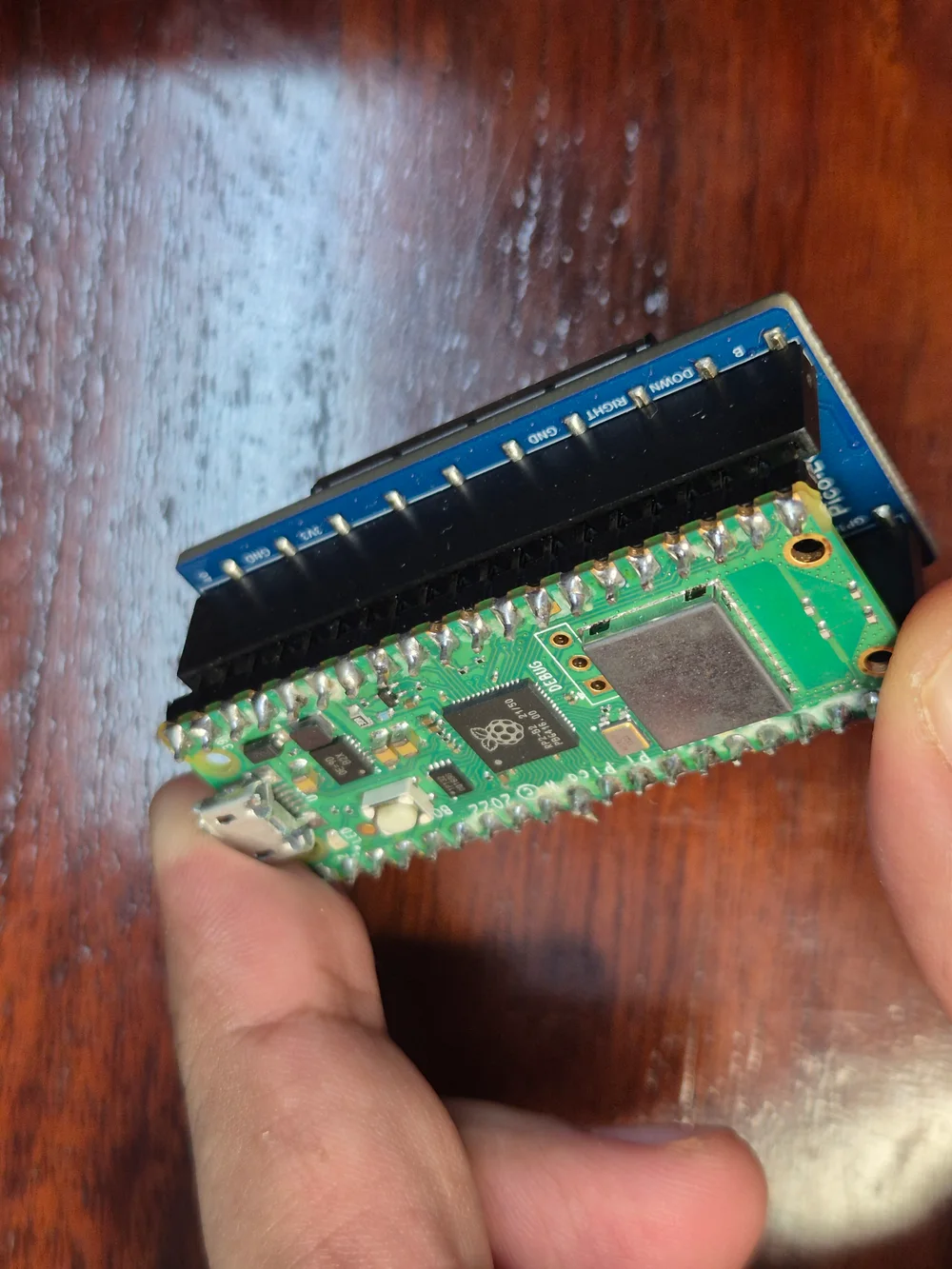
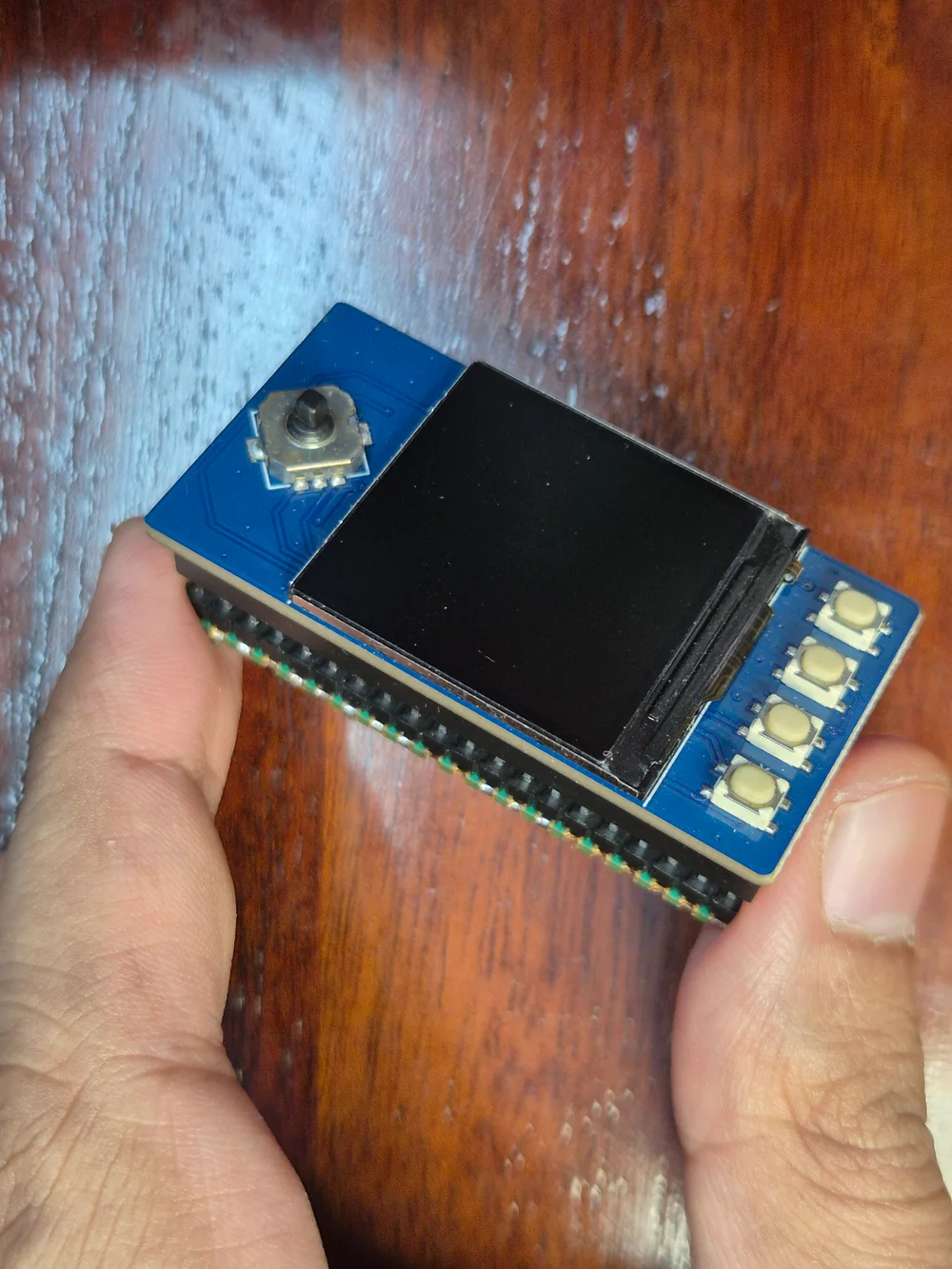
The module communicates over SPI1, using GPIO 10/11 for clock and data, plus separate chip-select, data/command, reset and backlight pins. The native backend keeps the game’s 128 × 128 framebuffer and scales it to the LCD. A second core streams display updates while the main core runs game logic and polls input.
That separation matters: sending pixels to a small SPI panel takes time. A 30 or 60 Hz logic target does not mean the screen displays every frame. The backend can drop visible frames while keeping those jobs separate. It also exposes slower SPI settings for panels or connections that show corruption.
The exact wiring and controls are in the hardware guide; the Waveshare documentation describes the module itself.
Start by making the buttons boring
Before making a game work, I wanted reliable evidence that a press was reaching the program. The first step was Button Lab: current state, press count, and hold duration for every input, including the stick click.
There was an early detour through a noisy display and another where the text looked fine but the values did not visibly refresh. Getting the driver and refresh behavior right made the button test useful. Once all nine switches passed, it became much easier to distinguish an input problem from a game or renderer problem.
Button Lab, the NOMAD-01 spaceship cockpit, and Prism Garden are original MicroPython projects. They helped establish the hardware and now live in the launcher too. They were not produced by the PICO-8 compiler; keeping that distinction visible is important when showing what the translation layer can do.
A game port is a useful start, but a different problem
Celeste Classic was the first convincing handheld game here. That version uses an existing C source port of the game, connected to a Pico graphics/input backend. It proved that this hardware could support a playable little game, but it did not make arbitrary PICO-8 cartridges work.
For the next step, I wanted the game source to remain unchanged and the converter to handle the supported language and API behavior. Breakout became an early test of that path.
What the translation layer actually does
Pocket AOT performs the expensive preparation on the desktop. It reads a .p8 cartridge, or decodes the source and data from a .p8.png, parses the supported PICO-8 Lua dialect, generates C, and builds an RP2040 firmware image.
ON THE COMPUTER
USB flash → PicoNative game code + compatibility runtime + LCD/input backend
The compiler frontend is Rust. The generated game code, runtime and device backend are C. Rust is not being translated on the device, and the firmware does not include a Lua interpreter or bytecode VM.
There is still substantial runtime work. A cartridge expects values, tables, strings, functions, drawing operations and input semantics. The implementation uses 16.16 fixed-point values and bounded storage pools, including support for closures and captured lexical variables. A garbage collector reclaims runtime objects at frame boundaries. These mechanisms are shared across cartridges rather than handwritten for each game.
Before a firmware build, a host harness compiles and executes the generated C with AddressSanitizer and UndefinedBehaviorSanitizer. The Arm build also checks generated stack usage and the flash-size limit. Unsupported syntax or API names reject conversion; runtime resource limits produce explicit errors. Those checks help find failures, but they do not establish pixel-perfect PICO-8 behavior or guarantee that every accepted game meets its frame deadline.
The architecture and the explicit limits are documented in the converter guide.
Give the compiler a cartridge shelf
A command-line pipeline was useful for development. For actually switching projects on the board, I wanted something closer to a small cartridge collection: a grid of covers, a selected card, controls, and a clear flash button.
Pocket Arcade is the Rust/egui desktop application around that workflow. It supports grid and list views, search and filters, local cartridge import, conversion diagnostics, and UF2 flashing.
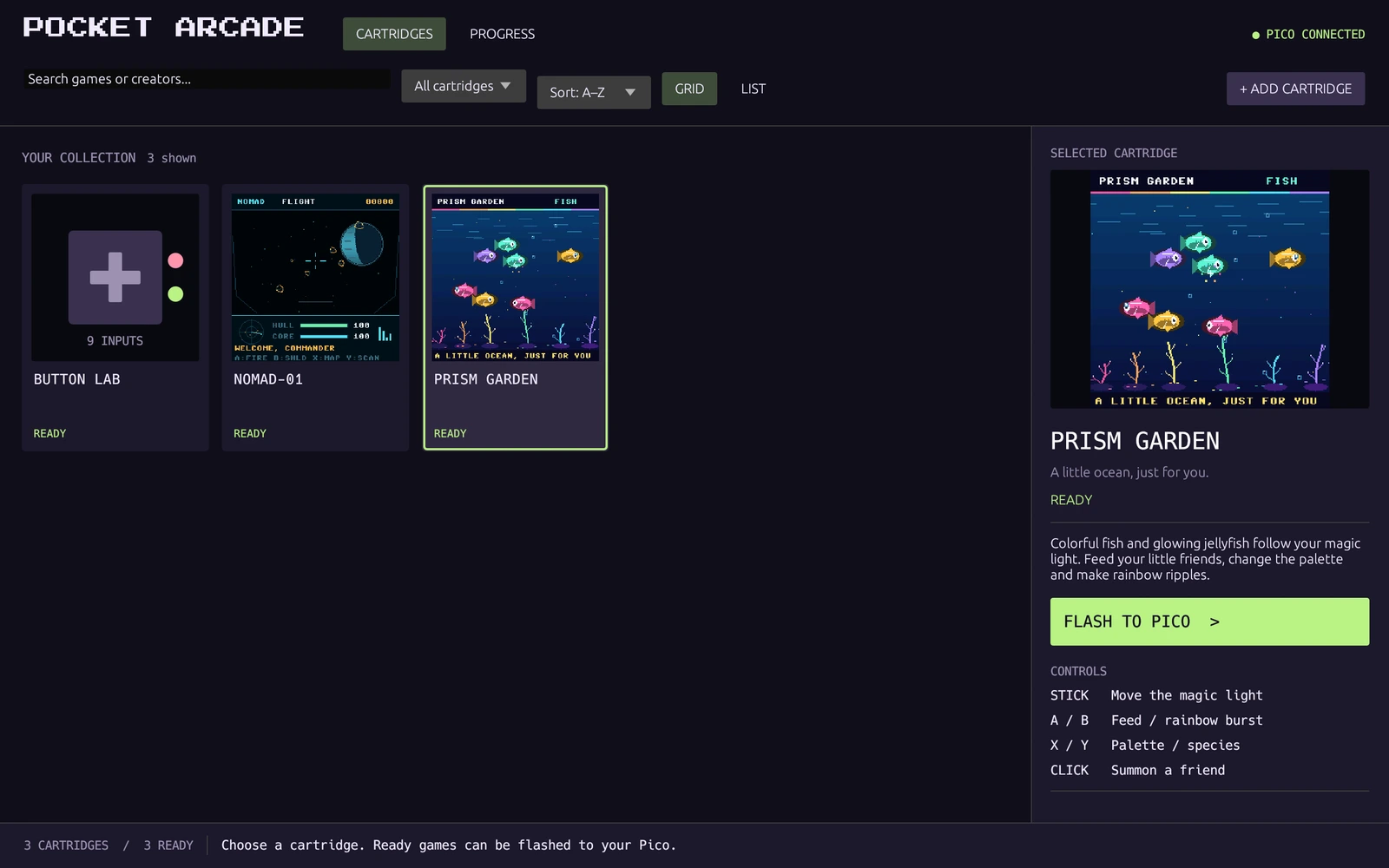
The workflow is:
- Import a local cartridge. Choose a
.p8or.p8.png, or drag it into the application. - Convert and check it. Generate C, execute the host smoke test, then build firmware. A failed conversion reports its blocker instead of pretending the cartridge is ready.
- Select and flash. The flasher validates the prepared UF2 and checksum, detects the Pico, transfers the image and checks startup.
Successful conversion adds a prepared card to the shelf. It does not automatically overwrite the board. Pressing FLASH TO PICO is the separate installation step, and it replaces the program currently on the device.
The application currently targets Linux. The GUI, compiler and flasher are all part of the same repository, with build instructions rather than a bundled private toolchain or device backup.
A progress number should explain what it counts
A convincing game clip can conceal a lot of missing functionality. I wanted a way to describe the translation layer that was more useful than either “it works” or an unexplained completion percentage.
The Status presentation in AnyPS5 prompted a similar breakdown here. Pocket AOT has an audited inventory, a full pipeline checklist, and a GUI page where individual API entries show their known limitations and evidence.
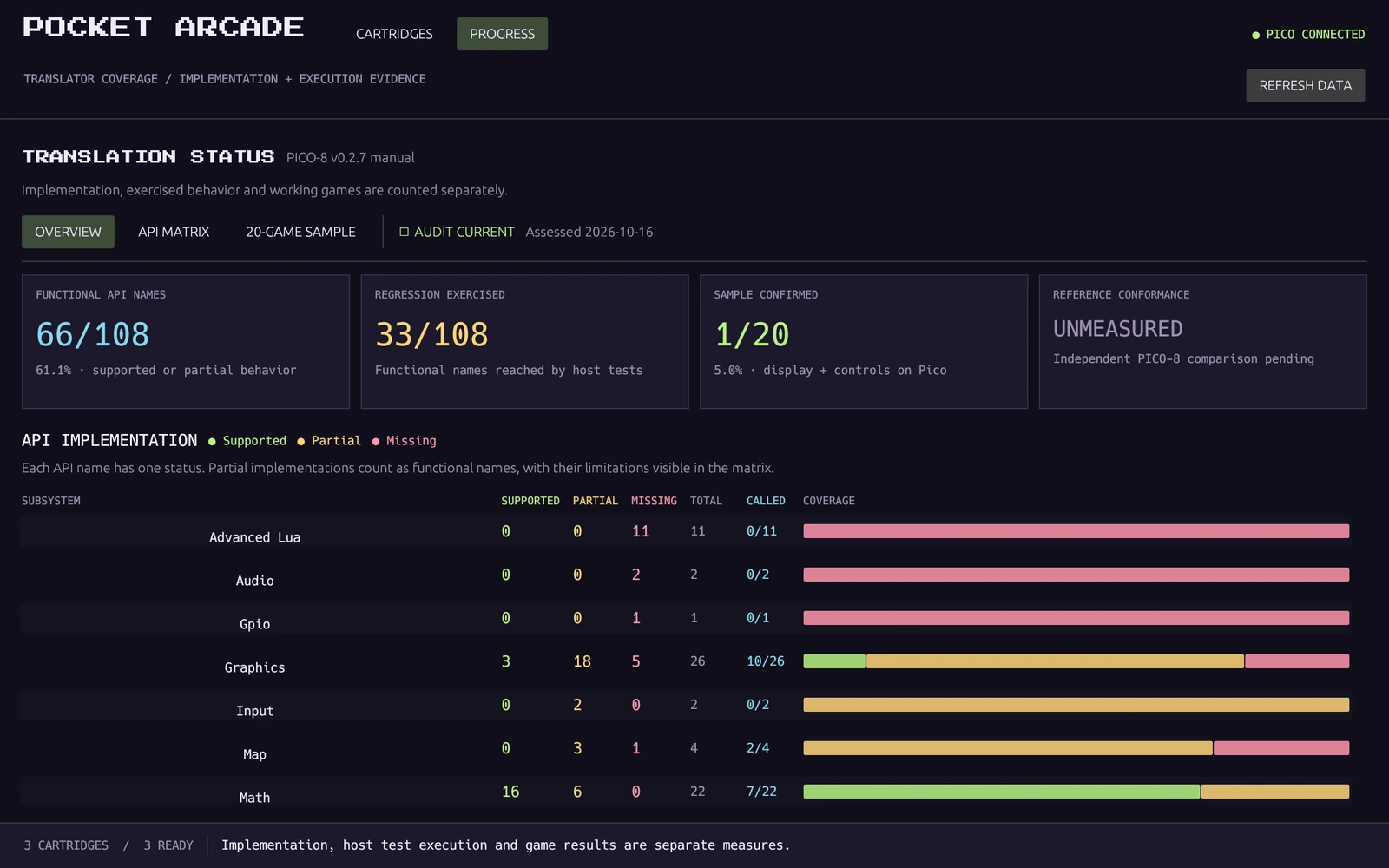
As of 16 October 2026, the snapshot reads:
| Measure | Result | What it says |
|---|---|---|
| API inventory | 26 supported, 40 partial, 42 missing | 66 of 108 names have some functional behavior; partial entries still have limits |
| Public fixture execution | 33/108 API names | Reached across five sanitizer scenarios using the original fixtures included in the repository |
| Earlier development regression | 48/108 API names | Reached across eight scenarios, including external cartridges that are not bundled |
| Frozen random game sample | 1/20 built and display/control confirmed | A historical result for the same twenty games; not universal compatibility |
| Weighted planning index | 49.8% | An explicit engineering rubric across 173 gates, not a prediction of remaining time |
| Independent PICO-8 conformance | Unmeasured | No systematic comparison against a separate PICO-8 reference yet |
The 20-game sample initially converted zero titles. A retry with broader language/runtime support brought Dusk Child through 12,000 sanitized host frames, an RP2040 build, and the physical display/control check shown at the start. That was progress, but it also left nineteen first blockers visible.
The supported-name figure, 61.1%, includes partial implementations. It does not mean 61.1% of games run. A single missing save or memory API can stop a game that otherwise uses well-supported features. Likewise, observing an API call during a test does not establish that every overload or output is correct. Silent audio stubs earn no functional credit.
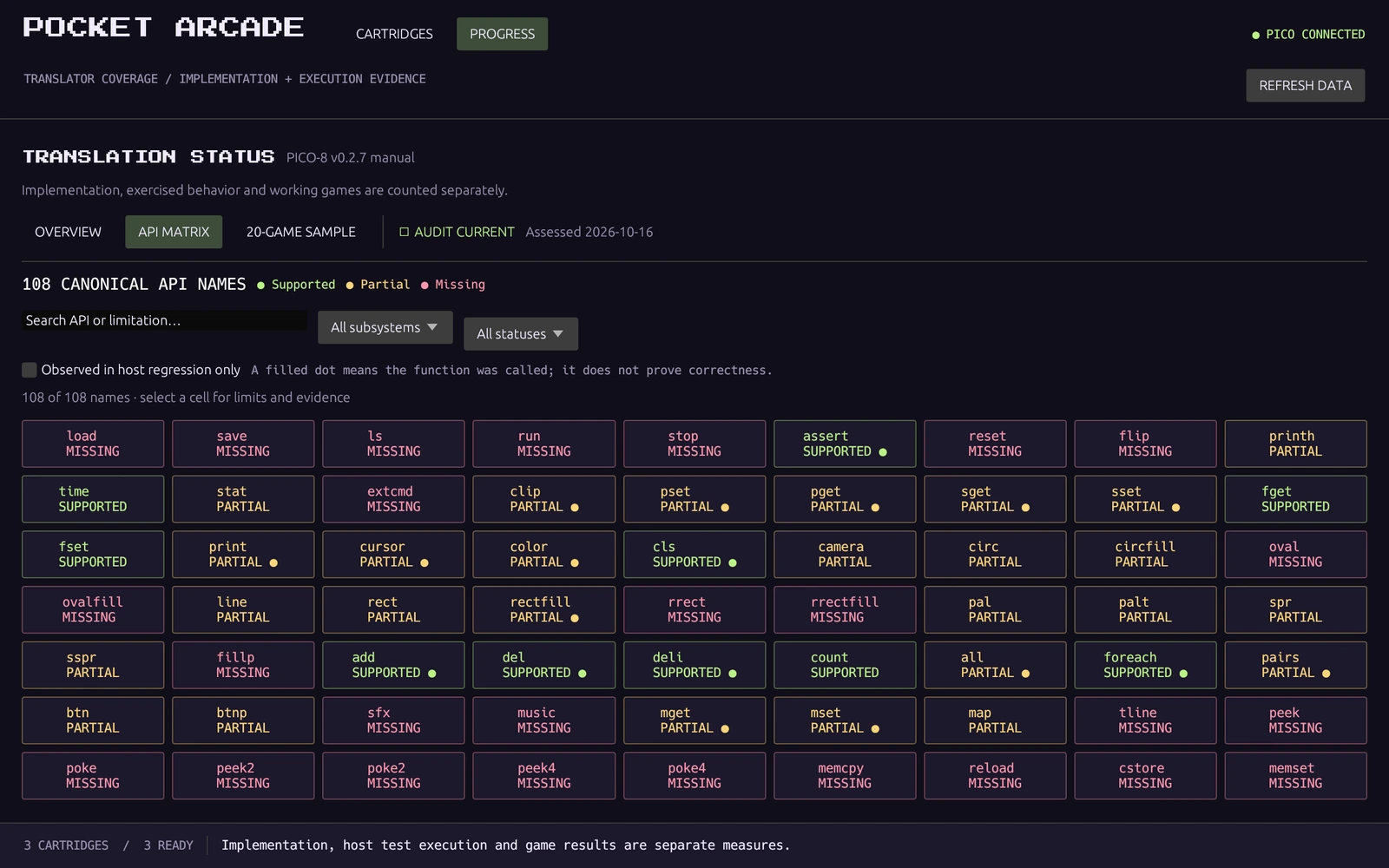
The public source passes 33 Rust tests, five profiled native scenarios, additional explicit-rejection checks, and an original-fixture PNG roundtrip with 600 sanitized host frames. Historical measurements are labeled separately. Source hashes identify the implementation a profile belongs to, so changing code does not silently turn old results into current coverage.
The full status report and subsystem chart explain the scoring. There is one assessed snapshot so far, rather than a claimed history of measured completion.
How portable is this?
The useful description is a reusable PICO-8 compiler/runtime with a specific hardware backend.
The parser and C generator are game-generic within their supported subset. The current device code is tied to an RP2040 Pico, this ST7789 panel, and the Waveshare GPIO layout. A different display needs controller initialization, transfer, scaling and input changes. A different chip also needs memory, stack, SDK, UF2 and flasher work. Pico 2/RP2350 is not a validated target here.
There is plenty left to implement before this could be called a broadly compatible PICO-8 environment: memory mapping, persistent saves, menu callbacks, coroutines, goto/varargs, audio, additional drawing behavior, and reference comparisons. RAM, flash and processing limits will still matter even as language/API support improves.
The videos show development builds on the actual device. The public release uses a newly authored compact ASCII font, so some text rendering differs from the footage. Graphics and timing fidelity remain explicit limitations.
Try it, or follow the remaining work
Start with the Pocket AOT README for the Linux desktop setup, Pico SDK/toolchain requirements and original demo builds. The three MicroPython projects and synthetic compiler fixtures are included. Other people’s game source, cartridge PNGs, generated game code and firmware are not.
I like that this project now has both sides visible: a small device that is fun to hold, and a set of compiler/runtime problems that can be named and tested. The next useful milestone is another behavior implemented and checked, followed by retrying the same blocked games to see what actually changes.
Credits
Hardware photos and recordings are mine. Web copies have location metadata removed; the clips are rotated, trimmed and compressed for this page, with ambient audio omitted. Screenshots show the actual Pocket Arcade GUI.
PICO-8 is by Lexaloffle. Dusk Child is by Sophie Houlden. The Breakout cartridge is from Coemgen’s PICO-8 projects. Celeste Classic is by Maddy Thorson and Noel Berry; the earlier individual port uses lemon32767’s ccleste. Their games are shown as development evidence and are not part of the public source distribution. Dependency and driver credits are retained in the project’s notices.
Have a question or a different approach? I’d like to hear it.
Comments
Comments load as you reach this section. Sign in with GitHub to join.
Read or comment on GitHub ↗